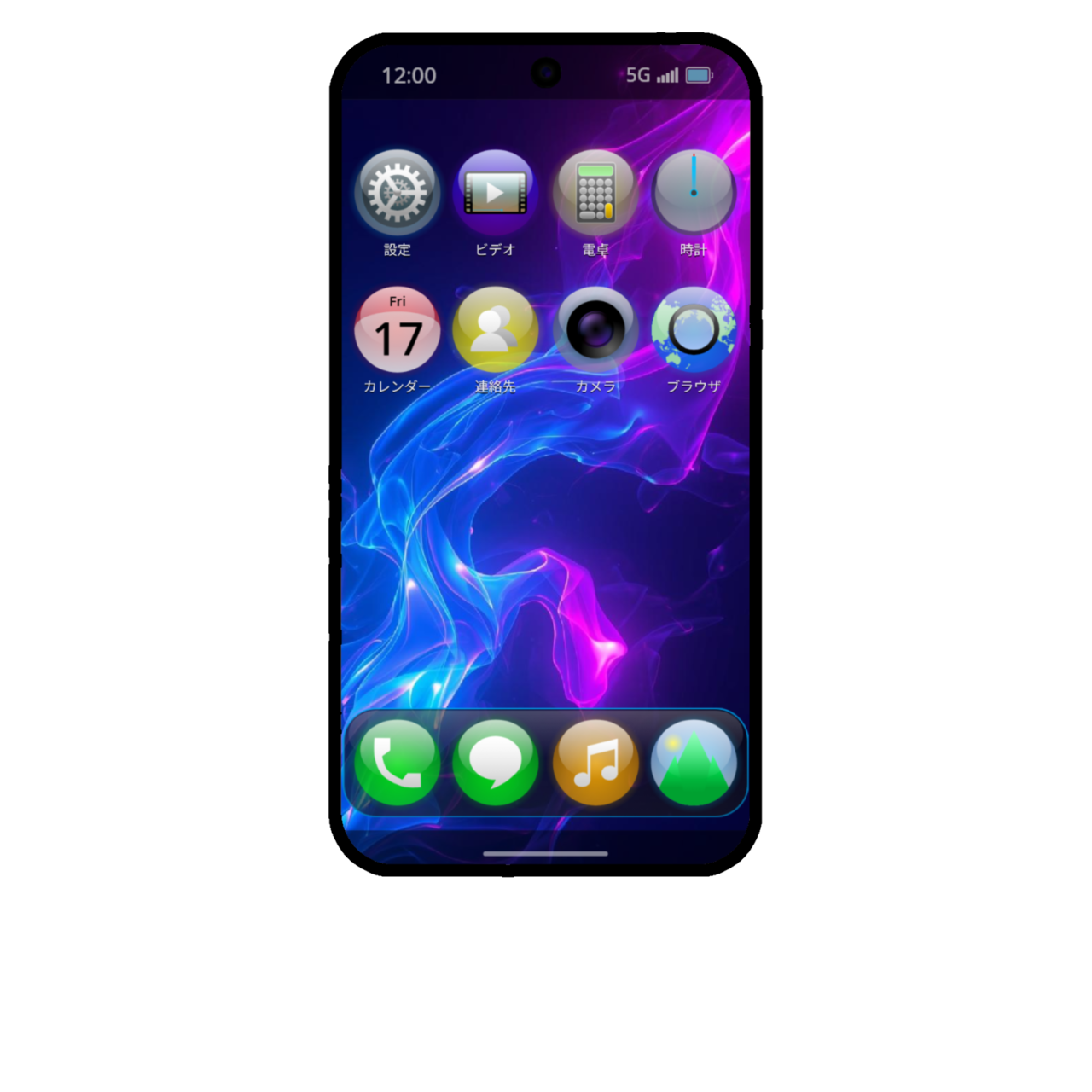
📱PextePhone
A downloadable Operating System
📱 Tagline for PextePhone 2011:
"Growing to be both powerful and versatile."
📲 About MythraOS (MineOS):
MythraOS is software developed as the successor to MineOS. It focuses primarily on the aesthetics of its user interface (UI) and the simulation of various functionalities, continuing to evolve in its own unique way.
⚠️ Important Notice
Please be sure to review the following information before use:
・Reviewing Documentation
Before use, please carefully read the "⚠ Important Notes" and "⚠ Tools Required for Initialization."
・Product Sales and Support Period
Sales of PextePhone models will conclude within 3 years of their release; for PextePhone 2010 and later models, sales will conclude within 5 years of release.
・Data Initialization Specifications
The data initialization process can only be performed safely within the MythraOS environment.
・Security and Recommended Usage
This software is provided in HTML format and poses no risk of malware infection to your device. For added peace of mind, we recommend using a secondary device or accessing the software via "incognito" (private browsing) mode on a PC. If you remain concerned, please refrain from installing it.
・Privacy Protection
This software does not affect your personal information or privacy. For further details, please refer to our Privacy Policy.
Copyright © 2025 - 2026 Pexte. All rights reserved.
Download
Install instructions
📲 Installation Instructions
・For iPhone users (*Note: Installation is currently not possible)
After installing "Firefox," move the HTML file you downloaded from BOOTH (using the "Files" or "Documents" app) to the following location: "On My iPhone" > "Firefox" > "Downloads."
Then, open "Firefox" and access the HTML file in the "Downloads" folder to complete the installation.
・For Android and PC users
Open the downloaded HTML file using "Chrome."
📲 Operation Instructions (For PextePhone 2010 and later models running MythraOS)
【Long-press】
Tap (long-press): Power ON (when powered off)
Enter (long-press): Force stop (when powered on) / Power ON (when powered off)
Enter + ↑ (long-press): Power options / Recovery mode (when the screen is off)
Enter + ↓ (long-press): Screenshot / Safe mode (when the logo is displayed on the screen)
↑: Volume up
↓: Volume down